First-hand · verified against the real thing
Why the aerial looks sharper than Netflix: the bitrate nobody prints on the box
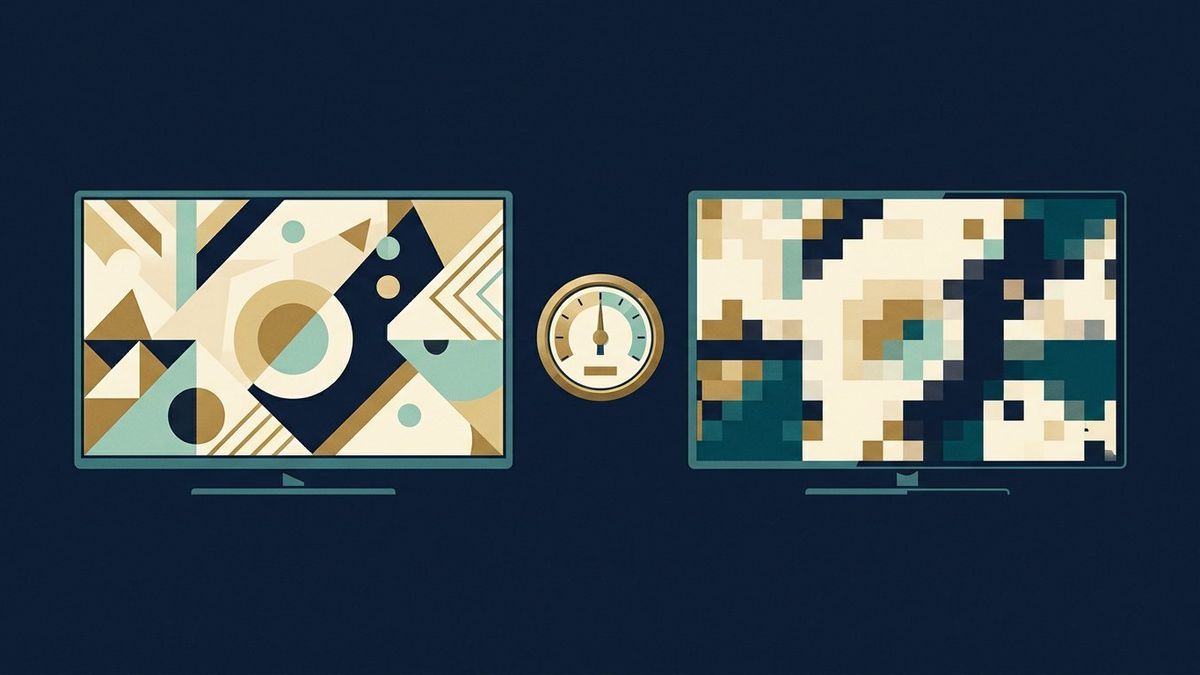
In one line: What two services both selling '4K' can mean at 5 Mbps and 25 Mbps, where compression actually shows, and the settings worth touching.
Here is the sentence that explains the whole complaint: a "4K" stream is a picture size, not a picture quality, and the number that decides quality - megabits per second - appears in almost no advertisement. Cable and satellite boxes have carried fixed, generous bitrates for years; streaming squeezes the same resolution through whatever the line and the pricing tier allow, and the difference is exactly as visible as the ratio between those numbers.
The honest arithmetic
Broadcast HD has typically run in the region of 15-25 Mbps at 1080i - a steady, unconversational number, paid for by the bandwidth the broadcaster bought. Major streamers quote 15 Mbps as "premium" and up to about 25 for 4K, which sounds larger until you notice two things: the streaming numbers are ceiling the network may never grant, and modern codecs (HEVC, AV1) extract more quality per megabit than the ageing broadcast encoders do. So on a quiet line with a good panel, the stream can genuinely look better than the broadcast - and on a congested evening, at the default quality tier, on a big screen showing football, it looks like mud in the shadows and confetti in the crowd. Both sentences are true; the line and the tier decide which one you live in.
Where you will see it, and where you won't
- Fast lateral motion is the test scene: a broadcast camera pan versus the streaming pan is where compression budget gets spent first - the streamer's pan turns rooftops into wet paint when the bitrate starves, because every macroblock has to be re-decided each frame. Static interview lighting hides the gap entirely.
- Dark scenes are the other tell: streaming compresses night exteriors aggressively (a legitimate choice, it is where the eye tolerates it) - so "my TV looks bad at night" is often the tier, not the panel. Raise nothing; check the quality setting below first.
- Distance is the mute button: at a normal sofa's distance from a 43-inch set, the bitrate gap shrinks to nearly invisible on sharp content - the gap is mostly a big-screen, close-seat, motion story. That is not the manufacturers' or the streamers' pitch either one, and both are counting on you not to know it.
The settings that actually move the picture
Inside the streaming app, the data/quality menu - not the TV's picture menu - is where the tier lives: "Auto" negotiates to whatever the line reports, and the line reports worst at 9pm, so a fixed "High/Best" setting (where the app offers one) stops quality from dipping exactly when you care. The app's downloads use the same tier, so a downloaded episode is often visibly better than its live-streamed twin - the old proof that the bottleneck is delivery, not the file. On the TV side, the one number worth checking is whether the app even negotiates 4K with your box: an HDCP handshake, an HEVC support, or the brand's "4K" label on a 1080-input stick is why some setups cannot show the good stream at all. And the ethernet cable - the actual pipe - still beats the bedroom's five-bars signal: if one change is allowed in this household, let it be the short cable behind the TV.
Next