First-hand · verified against the real thing
The hub that drops drives and reboots itself: the power maths USB hides
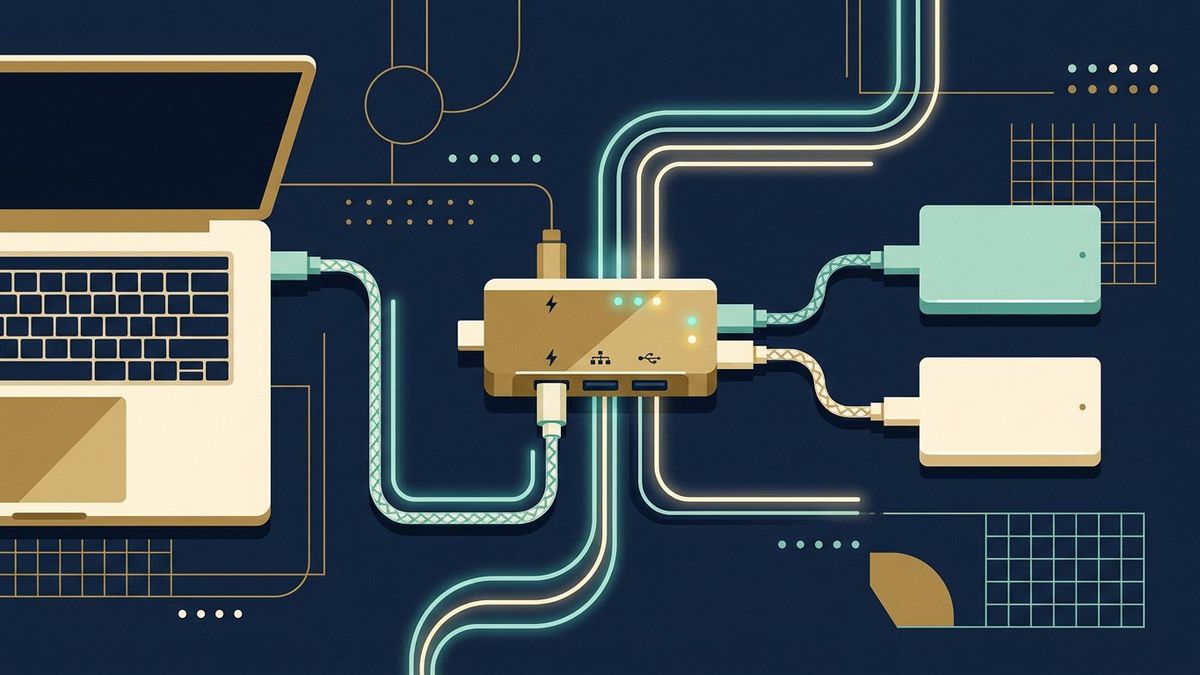
In one line: What each port type is allowed to give, why spinning drives are the first casualty, and the difference between 'self-powered' and wishful thinking.
The telltale sequence: the external drive mounts, works for ten minutes, then plays the connect-chime-disconnect loop, and the hub restarts its whole train when the bus trips. Nothing is broken - the hub is over budget, and USB's budget is a per-port current allowance nobody prints on the packaging. This is what the numbers are and how to live inside them.
The budget, honest
- The port ratings: USB 2.0 gives 500mA; USB 3.x gives 900mA; USB-C, before any negotiation, gives 1.5A at default - and only the PD handshake between the device and the source unlocks the higher numbers. A device drawing more than the port's share does not get a warning; it gets the voltage sag, the brown-out and the reconnect chirp that people then blame on the cable.
- The drive is the load: a spinning 2.5-inch disk pulls its biggest current at spin-up - a peak that's multiples of its steady figure - which is why the "it mounted but the folder turns forever" story is a power story, not a file story. Two drives off one hub are two spin-ups fighting over one budget.
- Self-powered, properly: a hub with its own wall adaptor is the cure, but only when the adaptor's rating exceeds what the downstream devices ask - a hub sold with a phone-style 10W brick attached to three mechanical drives will still brown out. The brick's volts×amps is the hub's real budget, and it's on the label of the brick, not the box of the hub.
The maze around the budget
Charging ports are not data ports and the colours are not decoration: the yellow or red always-on sockets on a wall charger or PC back feed charging circuits that may cap current and ignore data, while the USB-C sockets on the same brick negotiate wildly differently - the desk's standing line: a drive belongs on a data port, a phone doesn't care, mixing them is the classic "dead drive, full phone" puzzle. Bus-powered docks are hubs with more ambitions - an HDMI 4K monitor hanging off a dock pulls real power before anything else joins, which is why a dock that carries the monitor fine drops the drive when the drive is added: same page, one budget. Passive extension over 5 metres at USB 3 speeds is the silent tax that breaks all the maths above at the far end (the spec itself shrugs at shorter runs - a cable that worked at 30cm may fail at 3m at the same device).
The fixes, in order of how little they cost
Move the drive to a rear motherboard port (the hub or front panel is the first suspect); consolidate to one drive at a time if the dock is bus-powered; a powered hub with a brick that actually matches the device list, re-plugging devices after power is on so spin-ups stagger themselves; for the archive-drive crowd, the upgrade with the best ratio of peace-per-money is USB 3.0-to-SATA in an enclosure with its own PSU - the adapter chapters on this desk already do the buying maths. And when a drive's light is on but the chirp loop continues on every port of every machine - stop power-hunting and read the drive-health page: a dying motor also makes a power-shaped symptom, and it will keep making it on the expensive hub too.
Next